
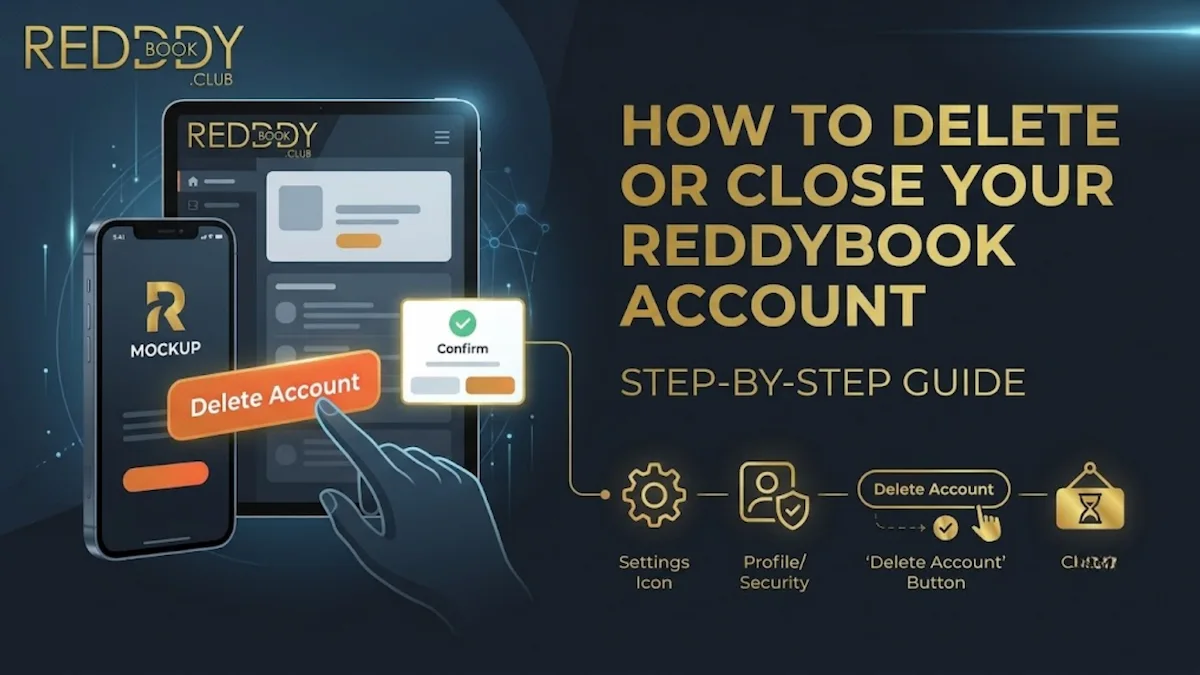
Reddy Book is an easy to navigate website that allows you to find all the features and options on your fingertips without having to look around a lot. So if you wish to close or Delete ReddyBook account, you need to first log in to your account, and then go to the ‘setting’ option from the menu.
You might find options that say, “delete account,” “account closure’’ or “contact support”. If you choose the ‘’delete account’’ option, you will then have to follow the instructions provided and provide your login details for confirmation along with your reason to leave the platform.
If there isn’t a delete option, go to the Assistance/Support section and make a request to have your account deleted. Include your registered phone number and email address, along with a clear termination request, and keep your support ticket id.
Before processing the delete request, Reddy Book needs identification verification or to settle pending wagers and wallet balances, so withdraw the funds out and settle open wagers in advance. Once you receive a confirmation message from our end, you can try logging in again, to check. Save the confirmation mail, and wait for some time before you can confirm that your account has been deleted.
Table of Contents
Reasons to delete your ReddyBook account
There can be a lot of reasons why a player would want to permanently delete ReddyBook account. Some of the common reasons are listed below.
- Taking a break
Temporarily deleting your account prevents easy access to betting, allowing you to step back and prioritize other tasks without the constant temptation of going back.
- Responsible gaming
If you feel that online gaming is becoming harmful for your overall health, and causing imbalance in your day to day life, deleting your account can be a good option, rather than just putting account limitations and taking small breaks.
- Privacy concerns
Deleting your account can also help you safeguard your data, as once your account is terminated, the platform no longer has access to your personal information. It also reduces the chances of you getting unwanted promotional advertisements.
- Creating a new account (if permitted)
Players also sometimes choose to delete their accounts, open a new account with new updates or changes in their profiles. In this situation, you need to be mindful of the Reddy Book’s guidelines.
- No longer using the platform
Players who feel that the platform is no longer fun, and is not meeting their requirements, may also choose to delete the account. Deleting your account, also clears your online history, and removes unnecessary subscriptions.
- Personal preference
Some players choose to use either single or less active accounts. They might delete their accounts depending on their personal preferences.
Things to do before closing your account
There are few things one must follow before ReddyBook account closure, it helps you in protecting your personal information and terminating all the linked subscriptions that you no longer need. To know better go through the steps mentioned below:
Withdraw remaining balance if any
You might lose full access to your account once you request deletion, so to prevent your funds from getting stuck or deducted by default, check your account balance before exiting and transfer your funds to your current account.
Settle your pending bets
You might not be able to completely delete your account unless you have cleared all your pending wagers, so check for your pending bets before you deactivate ReddyBook account.
Download transaction history
Users lose access to all the account data, once their accounts are deleted, so to collect your transaction history details, for tax purposes, look before putting in the account delete request. And export and save all the required files beforehand.
Save important account information
Make a note of your account details, like, phone number, username, email id, or other information, that you might need to access some time later.
Cancel pending withdrawals
While making the final withdrawal from your account, check if there are any pending transactions, if yes, cancel them and try to retry in some time, to make sure all your funds are transferred securely.
Remove saved payment methods (if applicable)
Just like all your other information, you also need to remove all your linked accounts and bank details from your account, to ensure safety. Check this before confirming the termination.
Step-by-step guide to how to delete or close your ReddyBook account
Before allowing you to delete your account permanently, most of the platforms ask for an account verification first. This is to confirm the ownership of your account, and that you want to delete your account. To be clear of the procedure to delete your account, follow these steps given below:
Step 1: Log in to your ReddyBook account
You have to start with logging in to your account first, go to accounts settings, look for help or support options and tap on that.
Step 2: Go to account settings
After you choose the help or support option on account setting, you will get connected with the assistance, who will guide you through the process, follow their instructions and share your details if required.
Step 3: Navigate to help or support
The help or support team will ask for a confirmation and your registered email address or phone number, share this with them and follow the further instructions.
Step 4: Contact customer support
The customer support will help you with the steps to delete your account, adhere to their instructions and share all the necessary details. You can also ask any queries related to closing your account.
Step 5: Request permanent account closure
Once you have checked your account thoroughly, you can request for permanently terminating your account. Wait for a confirmation mail from the platform.
Step 6: Complete identity verification (if requested)
Some platforms may also ask for a complete identity verification before confirming the delete request, and share all the necessary information with the support agent.
Step 7: Receive confirmation of account closure
Once everything is confirmed by the customer support agent, and they process your request, you will receive a confirmation mail on your registered email id, keep an eye out for it.
Can I reopen my deleted ReddyBook account?
Reopening a deleted account completely depends on the platform’s guidelines, however it is usually not possible to reopen a closed account that has been deleted or permanently removed. Whereas, some platforms may offer temporary shutdown which allows you to access your account again, after termination. To know more, go through the points mentioned below:
- Depends on platform policy
It may or may not be possible to restore a closed ReddyBook account, but it completely depends on the platform’s policy. Customer support can allow recovery if the closure was temporary and if it was permanent, the account is often considered as permanently closed.
- Permanent vs temporary closure
It matters whether the closure is temporary or permanent. Permanent closure generally means the account is completely closed and cannot be recovered, although temporary closure is often seen as a pause and can be accessed sometimes.
- Contact support for clarification
Getting details from support is the safest option. Find out if your account was closed temporarily or permanently and if you can use your registered phone number or email address to recover it.
Can I delete my personal data?
Yes, it is possible to request for permanently deleting your personal data, however some information might still need to be kept for compliance or legal reasons.
Reddy Book customer support helps you to delete your personal information from the platform, get a copy of your details, and also, stop promotional messages from the platform.
- Temporary account suspension
If you simply need a break, it can be helpful to temporarily delete your account. If you want to return after some time, this may be preferable rather than permanently deleting your account because it can restrict access without really deleting your account or records.
- Self-exclusion (if available)
Self-exclusion is a better option than a straightforward time-out if it is available on online gaming platforms. It helps to support users in controlling gambling-related damage and allows to temporarily or permanently limit access to the account.
- Deposit limits
This will allow you to limit the amount of money you can deposit into the account over a specific time period, which helps prevent any impulsive spending and fixing a strict budget.
- Time reminders
You may track usage and avoid longer sessions by using these notifications, which informs you on how long you’ve been active. Before asking for a permanent shutdown or closure, they are helpful for building healthy behaviors.
- Support options
For assistance with data removal, and account closure, or privacy-related issues, contact customer support. They can tell you what can be deleted, what must be kept, and whether temporary solutions are available.
FAQs
1. How do I permanently delete my ReddyBook account?
To permanently deactivate your ReddyBook account, you usually have to contact customer service and request full account deactivation. Before submitting the request, remove any remaining balance, settle existing wagers, and make sure to confirm your identification if the platform asks.
2. Can I close my ReddyBook account permanently?
Yes, you can delete your Reddy Book account permanently, however for other platforms it depends on how they want to manage account deletion and consider whether it is actually permanent or not.
3. Is account closure free?
Yes, there are no additional charges to delete your account on Reddy Book. aYou can find out by going through the guidelines of the particular platform you are using.
4. Do I need to contact customer support?
Yes, as many platforms do not have a self-service delete button, the users will have to get in touch with customer support for deleting their account.
5. Can I reopen my account after closing it?
This depends on whether the account was suspended temporarily or permanently. You can check the platform’s guidelines or contact support for any account related issues.
6. What happens to my remaining balance?
You should withdraw any remaining balance before permanently deleting the account, as closure requests can be denied or delayed until funds have been cleared from the account.
7. Will my betting history be deleted?
No, not necessarily, as betting history may be kept by platforms for security, legal compliance, and dispute concerns.
8. Can I delete my personal data?
Yes, you can normally request the customer support for your personal data to be deleted, however some information may need to be kept for legal or regulatory reasons.
9. How long does account closure take?
Closure time changes depending on verification, support response time, and whether you have pending wagers or withdrawals.
10. Do I need an identity verification?
Yes, most of the time you need to verify your identification before making any changes to your account, especially if the platform wants to verify that the individual making the closure request is the actual account holder.
11. Can I close my account from the mobile app?
Although you can sometimes begin the process from the help or account section of the app, many platforms still want you to contact support to complete the process.
12. What happens to pending bets?
Usually, an account cannot be closed until all pending wagers have been paid off, cashed out, or cancelled. If they remain active, support could delay the shutdown until all transactions are settled.
13. Can I create a new account after closing my old one?
That depends on the platform’s terms and conditions, if re-registration will be allowed after shutdown or not.
14. Will bonuses be canceled after account closure?
Yes, after the account is closed, bonuses, promotions, and unused incentives are usually cancelled.
