
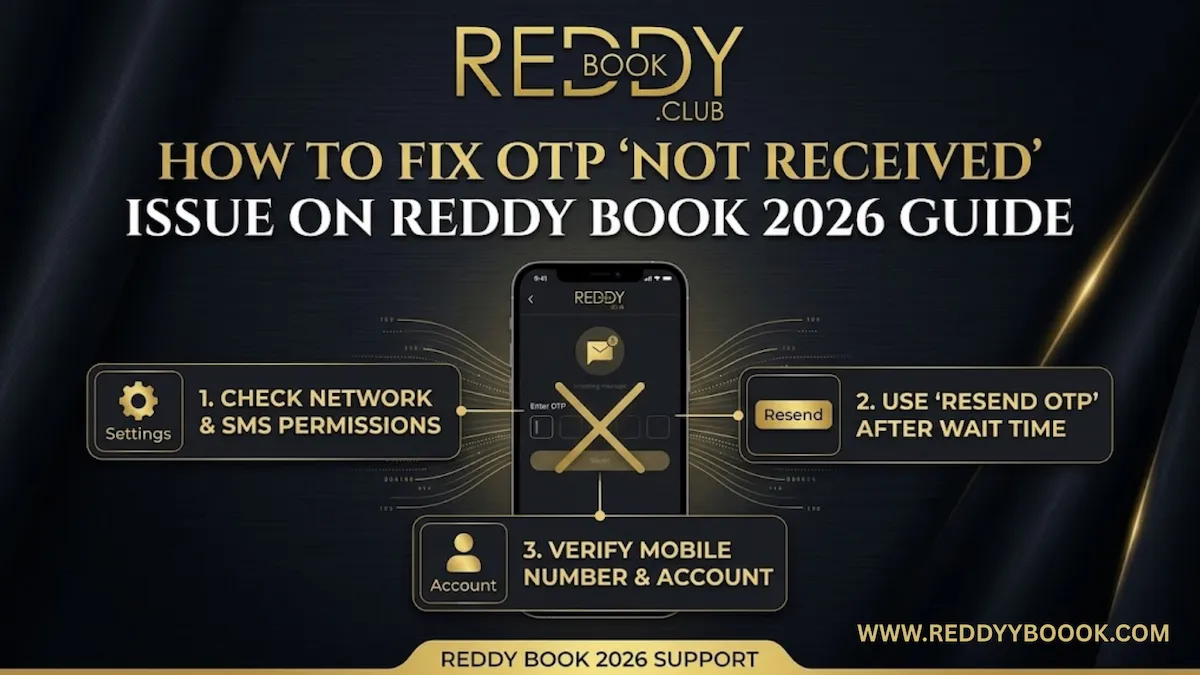
One of the most common login issues on Reddy Book is an OTP delay or ‘’OTP not received,’’ situation, especially during busy seasons like important cricket tournaments. The OTP verification on Reddy Book, makes sure that only individuals who have access to their registered mobile number are allowed to update passwords, log in, or attempt authorized transactions.
You will learn about the most popular reasons for OTP-related problems and the guide will help you by providing simple, easy-to-follow solutions, such as verifying the network connection and message settings, clearing your app/browser cache folder, deactivating VPNs, and reaching out to our official support team for standard backend OTP reset.
Most of the users are able to effortlessly fix OTP “not received” errors and get safe access back to their accounts by using these methods. To learn the in-depth procedures to verify your OTP seamlessly and solve the OTP problems, continue reading this article.
Table of Contents
Why OTP is important on Reddy Book
Reddy Book’s OTP (one-time password) feature is used as an additional security measure during new account registration, password changes, smartphone login, and transaction confirmations. Reddy Book makes sure that only the authorised account holders are allowed to update settings, access betting id, or transfer money by requesting a code to your registered phone number.
Since the OTP is only valid once and only for a short period of time it is far more difficult for hackers to reuse or guess than a password. This extra layer of security keeps your account and money safe by removing the possibility of account abuse, unauthorised transactions, and unapproved access.
Common reasons why OTP is not received on Reddy Book
Weak or unstable mobile network
There are situations when you might not get the OTP to your phone on time, it can be due to a weak signal, network traffic during important games, or platform issues.
Using VPN, proxy, or restricted networks
Your connections may be routed via a network in domains where Reddy Book access is limited or flagged by VPNs or public/restricted networks, interfering with OTP delivery systems.
Full or cluttered SMS inbox
New text messages (such as OTPs) may be deleted or are not allowed if your message inbox or storage space is almost full. Once the SMS storage limit is reached, older Android devices especially can stop accepting new messages.
Incorrect or outdated registered mobile number
OTPs are delivered to the outdated or incorrect device if you changed your SIM without modifying on the Reddy Book platform or provided the wrong number at the time of signup.
Do not disturb (DND) or spam filters
Transactional OTP messages from Reddy Book may be restricted or redirected to the spam/junk files if your number is registered under TRAI’s DND service or if your phone has an spam filtering system active.
Airplane mode, SIM issues, or network glitches
All incoming text messages, including OTPs, can be disabled when the airplane mode is turned on, your SIM card is poorly inserted, or there are temporary network registration issues.
Browser/app cache and cookie conflicts
OTP requests can be affected by outdated or defective cookies and caches in your browser or the Reddy Book application, leading to delayed or continuous errors.
Server-side delays or high traffic
High server traffic during important tournaments or busy sign-in sessions or SMS connection difficulty can result in short OTP transmission delays from Reddy Book’s end.
Step-by-step fixes for OTP “not received”
Step 1: Clear cache and data (on Android devices)
Go to settings, applications, messages, storage, and then choose “clear cache” or “clear data.” Next, make sure your SMS app is the default messaging app, restart your phone, and ask for a new OTP.
Step 2: Switch between app and browser
If you’re using the Reddy Book app, try the OTP request via the mobile website in Chrome or Safari, or vice versa. You can additionally try using a different web browser (like Firefox or Edge) to prevent cache files and unnecessary apps.
Step 3: Check or update your registered mobile number
If you exchanged SIM cards or believe the registered number is wrong, try logging in from an older device where you could still be logged in. You can also check the registered number in your account for confirmation.
Step 4: Free up the storage space
Make sure your inbox and internal storage are not exhausted, by deleting old text messages, advertisements, and big MMS, as well. A full message storage can prevent fresh OTPs from arriving. After making room, ask for a new OTP and wait for two to three minutes before checking your messages.
Step 5: Verify your mobile number and entry
Verify that the registered phone number you are providing has the right country code, no additional spaces, and no missing characters. The OTP may be sent to the incorrect device or result in a carrier-level delivery problem due to such minor errors.
Step 6: Check SMS inbox, spam, and blocked messages
Check the main inbox, spam/junk, promotions, and any “blocked” folders for OTPs from Reddy Book when you start using the messages app. Mark OTPs as “not spam” if you notice them in spam so that the next messages get to the regular inbox.
Step 7: Check your network signal and connection
Make sure your phone is showing strong signal bars; to enhance signal strength, step outside or next to a window if necessary. Sending a standard text to a contact is a good way to test; if it fails or takes too long, your network is the problem.
Step 8: Wait 60 seconds and then use “resend OTP”
To prevent rate restriction on the text message connection, wait at least 60 seconds after requesting an OTP before pressing “resend OTP.” The very first OTP usually shows up in 30 to 90 seconds, mostly after a network refresh procedure.
Step 9: Verify DND and promotional message settings
To verify that your number is not completely restricted under DND restrictions and to enable “service implicit/explicit” settings for commercial communications, dial 1909 or use your provider’s app.
Step 10: Restart your device or turn on airplane mode
In order to reset the connectivity, either totally switch off and restart your phone, or turn on the aeroplane mode for 10 to 20 seconds. This requires your SIM to register again with the cell tower and usually clears blocked SMS buffers, enabling pending OTPs to be delivered.
Step 11: Clear browser cache and cookies
Go to settings → privacy and security → delete browsing data in Chrome, pick “cookies and site data” and “cached images and files,” then delete data for “all time.” on an iPhone, use settings → Safari → clear history and website data, then re-attempt OTP.
Step 12: Verify network settings and SIM card
Turn off your phone, take out the SIM holder, clean the SIM, and carefully put it back in before turning it back on. Resetting network settings (wi-fi,bluetooth, mobile ) to standard settings can often fix recurring message delivery problems.
Step 13: Turn off VPN and temporary, or restricted channels
Avoid using public wi-fi in coffee houses, airports, or hotels for OTP-related activities, and turn off any VPN or other programs. Some VPN export networks are reported or blocked by message servers, so use your mobile data or a reliable home internet connection instead.
Step 14: Try receiving OTP through whatsapp channel
Reddy Book has a “send OTP via whatsapp” alternative to simply the OTP procedure for regular as well as new users. Choose this option, verify that the whatsapp number is linked to your registered mobile number, and check for the OTP message in your whatsapp messages.
Step 15: Contact Reddy Book customer support team to resend OTP
Send a message to the Reddy Book support after 15 to 20 minutes, through their official email, whatsapp, phone or call telegram, with your Reddy Book id, full name, registered number, and the methods you’ve already gone through if none of the other techniques listed above work.
FAQs
1. What should I tell Reddy Book support if OTP still doesn’t arrive?
Share your registered phone number, name, Reddy Book id, the specific problem, and a small summary of the steps you have already attempted such as, checking spam messages, restarting your phone, switching to aeroplane mode, etc.
2. Can using a VPN or temporary network channel cause OTP delivery issues on Reddy Book?
Yes, VPNs or restricted/public networks may send your traffic through sites where Reddy Book access is not allowed, and certain VPN routers are blocked for text messages, causing OTP problems. It usually gets fixed by turning off the VPN and connecting to your regular mobile data or reliable home wi-fi.
3. Can DND (do not disturb) block Reddy Book OTP messages?
Yes, if your phone has a spam filter or if your number is registered under TRAI’s DND service, your transactional OTP messages can be banned or redirected to junk mail. To change DND settings and enable service or transactional text messages, you can use your network provider’s app or call 1909.
4. How long should I wait before resending an OTP on Reddy Book?
To prevent the text message server’s rate limitations, wait at least 60 seconds (1 minute) before selecting the “resend OTP” option. To ensure timely delivery, one or two well-planned retry attempts are recommended rather than sending them randomly.
5. What should I do if my OTP is stuck in the spam folder?
To find the OTP from Reddy Book, open the messages app, browse to the spam/junk or marketing messages folder, and change it as “not spam” so that new messages show up in the main inbox. After that, ask for a new OTP and observe your main message inbox.
6. Why am I not receiving OTP on Reddy Book?
The main causes of OTP failures include DND/spam features, weak mobile signals, inaccurate or out-of-date registration numbers, and text message channel capacity. The problem is usually fixed with simple steps like testing the connection, waiting 60 seconds before sending again, clearing your message inbox, and authenticating your phone number.
7. How do I update my registered mobile number on Reddy Book?
If you are unable to access your account, please contact Reddy Book support with your name, old and new phone numbers, and the most recent payment details so that it can be updated on our backend right after your identity confirmation.
8. What are the signs that my OTP issue needs urgent support attention?
Contact our team instantly if you don’t receive an OTP after a number of retries. It’s preferable to raise the issue early rather than continuing trying again randomly because many unsuccessful attempts may cause your account to be temporarily blocked.
9. Why does OTP work on wi‑fi but not on mobile data (or vice versa)?
This usually means a network-related issue, for instance, the platform may be highlighting your wi-fi/VPN connection, or your phone network’s message channel may be full. Finding the route which is triggering the OTP problem can be improved by shifting from wi-fi to mobile data networks or by turning off VPNs.
10. Is it safe to use whatsapp OTP instead of SMS on Reddy Book?
Yes, Reddy Book’s “send OTP over whatsapp” feature is secure and usually more dependable than text messaging when there is a crowded network. Only provide the OTP on the official Reddy Book website or app, and make sure the whatsapp number is the same as your registered contact number.
